Volume, on the right
Slide up for louder, down for quieter. Double-tap the edge to mute.
The on-screen level shows where sound is going: MacBook speakers, headphones, a display, or muted.
Launch week: use code LAUNCH at checkout
Claim offerHaptiker turns the sides of your Mac trackpad into sliders for volume, brightness and keyboard light.
Slide up for louder, down for quieter. Double-tap the edge to mute.
The on-screen level shows where sound is going: MacBook speakers, headphones, a display, or muted.
Changes whichever screen your cursor is on, external monitors included.
Slide sideways across the top edge to light the keys.
Edge gestures only fire when you mean them. Scrolling, dragging and pointing stay exactly as they were.
A finger that slides in from the middle is ignored.
Two-finger scrolls are ignored, even at the edge.
The slide has to run along the edge, not across it.
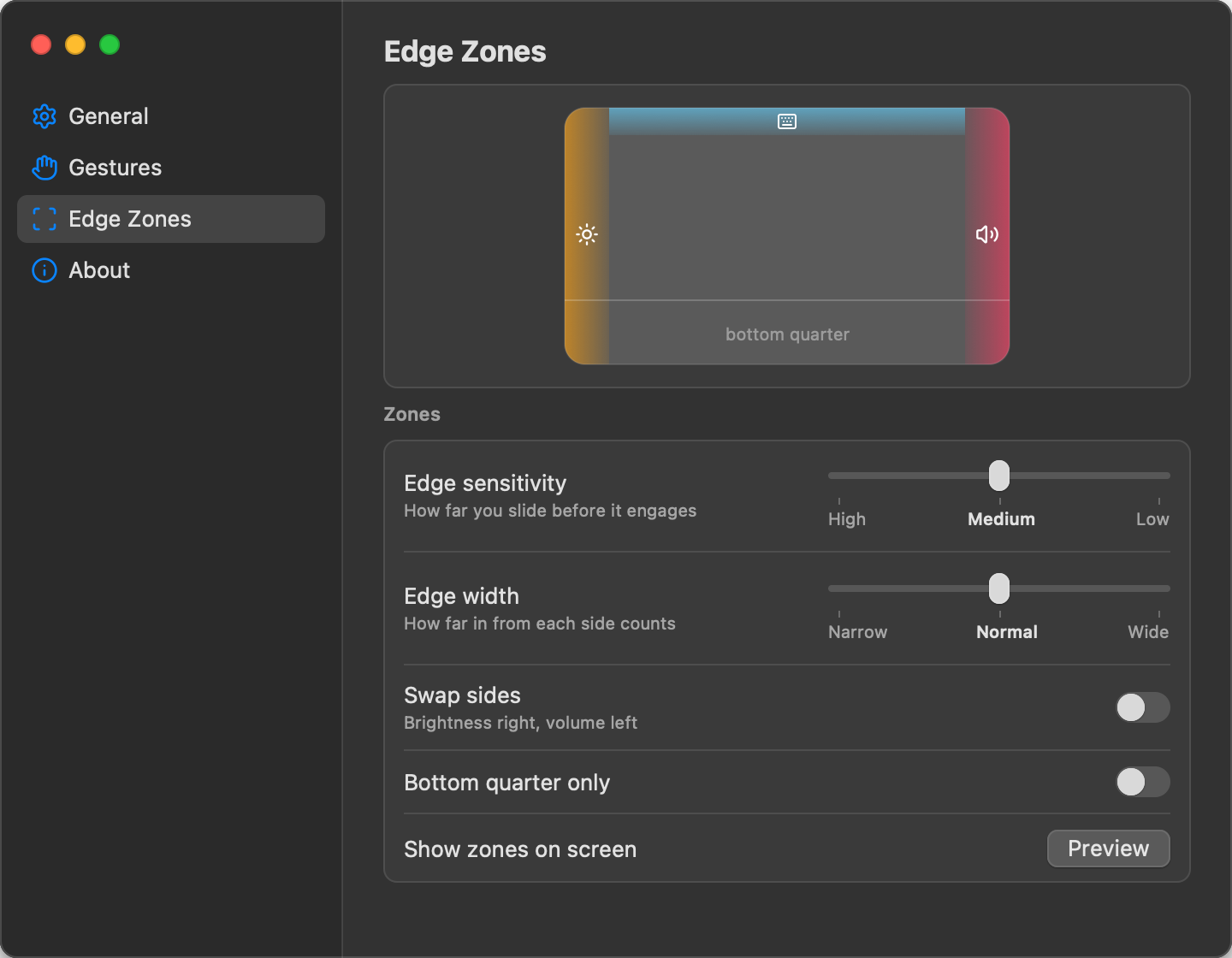
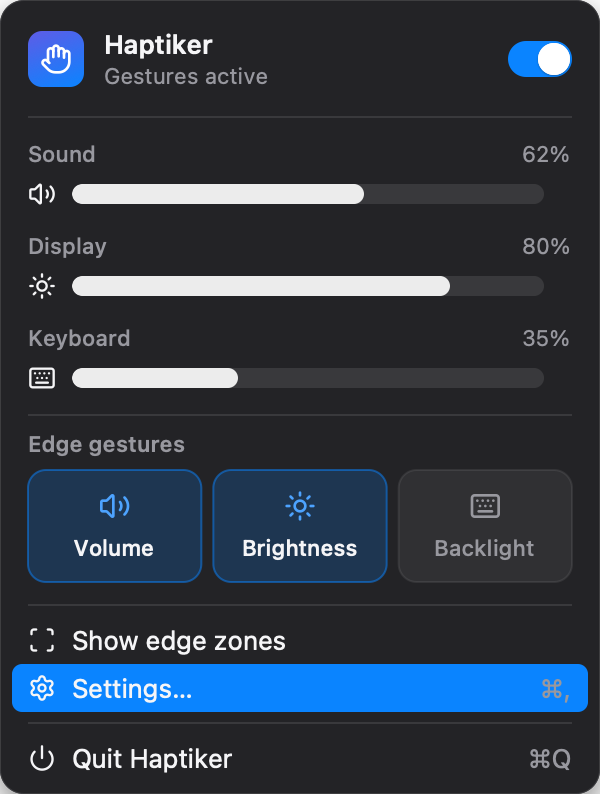
Pick how wide the edges are, how far a slide travels before it engages, and which side does what. The zones light up on screen while you adjust them.
$4.99
One-time purchase. 7-day free trial.
Use every feature for 7 days. If it earns its place, buy it once and use it on every Mac you own. No subscription, no account.